CAS SCIFINDER DISCOVERY PLATFORM
Accelerate breakthroughs and get discoveries to market faster using best-in-class scientific solutions throughout the innovation journey.

This group of exceptional early-career scientists from around the world will take the next steps in their leadership journeys this August in Columbus, Ohio, and Denver, Colorado.

Accelerate discovery using the world’s most trusted source of scientific knowledge.

Prioritize your drug candidates with our vast catalog of biological sequences, bioactivity data, and more.
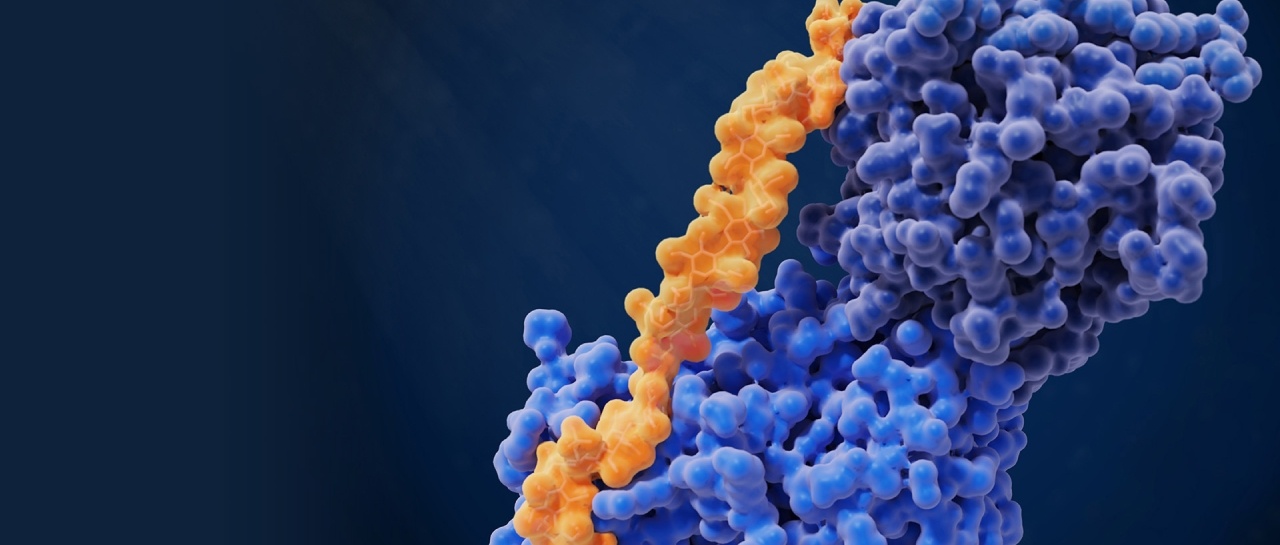
Accelerate breakthroughs and get discoveries to market faster using best-in-class scientific solutions throughout the innovation journey.
From new users to expert searchers, accelerate your innovation journey with IP insights that save time and money.
Partner with CAS to customize solutions for your unique business and R&D challenges with our content, technology and expertise.


High-quality data is the lifeblood of today’s digital R&D pipeline. Every day, our scientists curate, connect, and analyze the valuable data disclosed in scientific publications from around the world to build the CAS Content Collection, covering over 150 years of discoveries.
Our data underpins all CAS Solutions and can be licensed for machine learning or in-house workflow integration. Our scientists also support custom data curation projects through CAS Custom Services.
High-quality data is the lifeblood of today’s digital R&D pipeline. Every day, our scientists curate, connect, and analyze the valuable data disclosed in scientific publications from around the world to build the CAS Content Collection, covering over 150 years of discoveries.
Our data underpins all CAS Solutions and can be licensed for machine learning or in-house workflow integration. Our scientists also support custom data curation projects through CAS Custom Services.